Press resources
prostir zvuku press kit
Product descriptions, key facts, screenshots, demo media, and contact details for writing about prostir zvuku.
At a glance
- Product
- prostir zvuku
- What it is
- A spatial nature sound mixer for Mac and iPhone
- Platform
- macOS 14 Sonoma and later, plus iPhone on iOS 17 or later
- Use cases
- Focus, rest, sleep, and calm work sessions
- Pricing
- Free to start, with optional one-time Lifetime Pro
- Subscription
- No subscription
- Website
- prostirzvuku.app
- Contact
- [email protected]
Descriptions
One sentence
prostir zvuku is a spatial nature sound mixer for Mac and iPhone: place rain, fire, ocean, wind, birds, and streams around you to create a quiet room for focus, rest, or sleep.
Short description
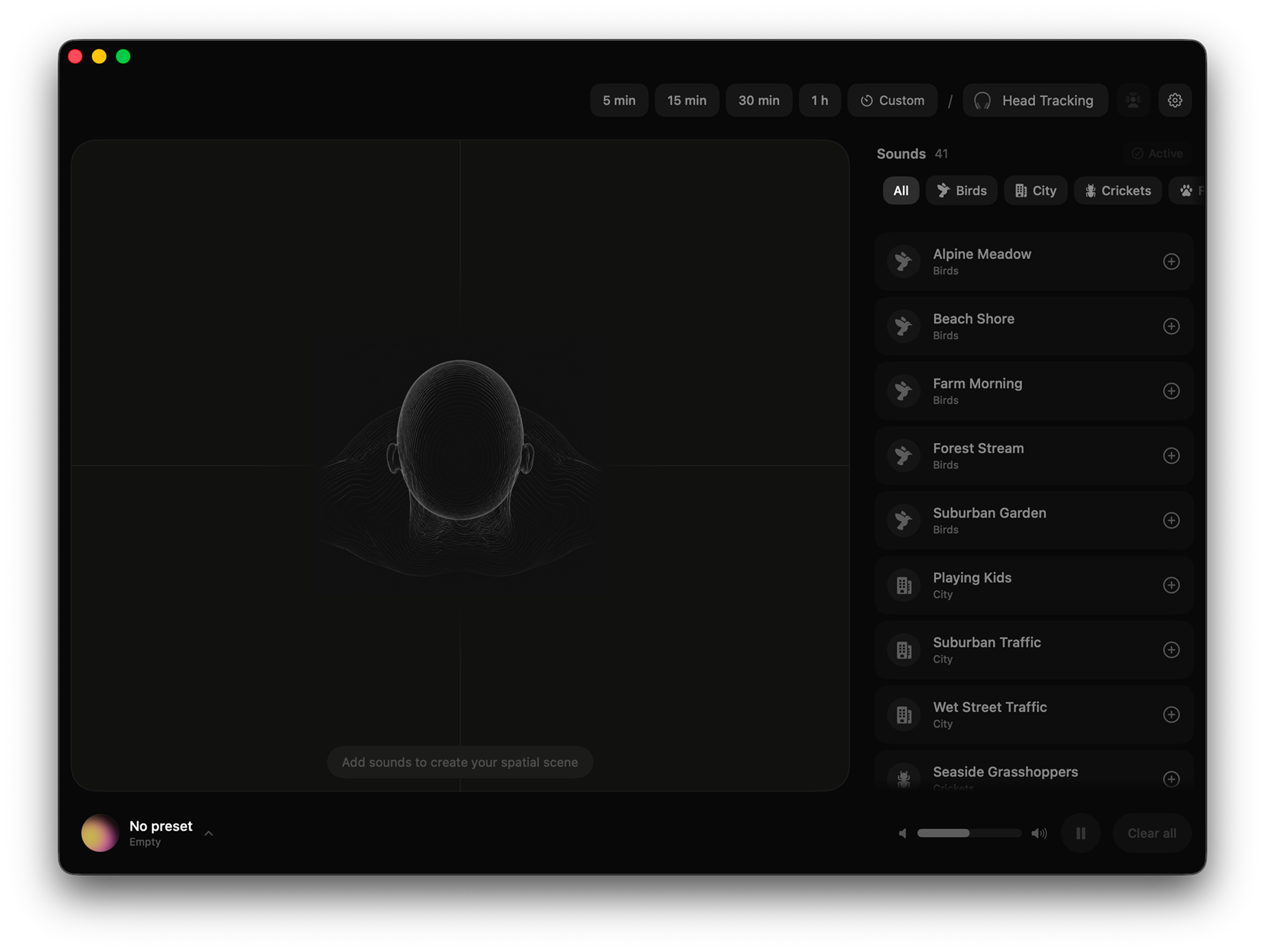
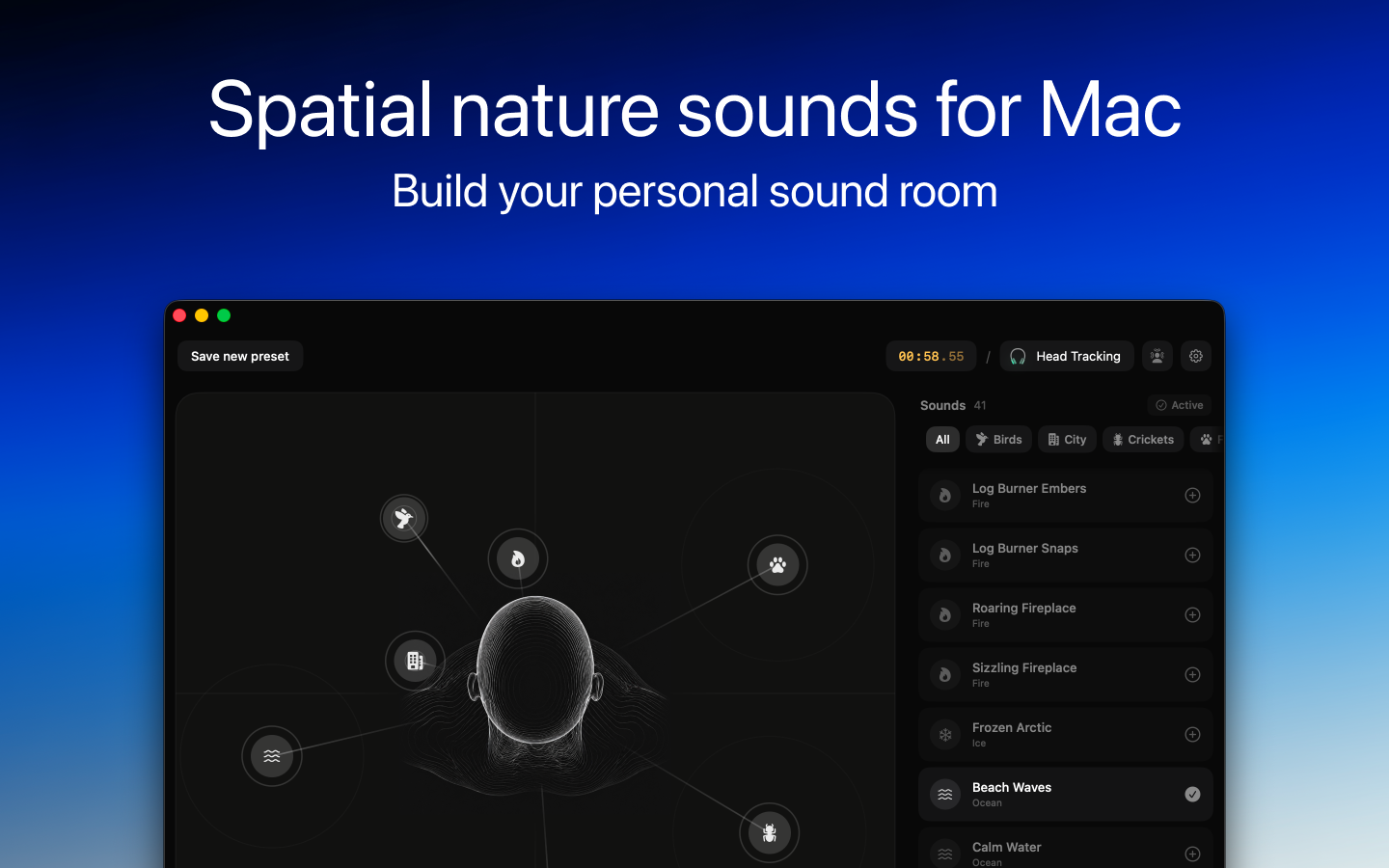
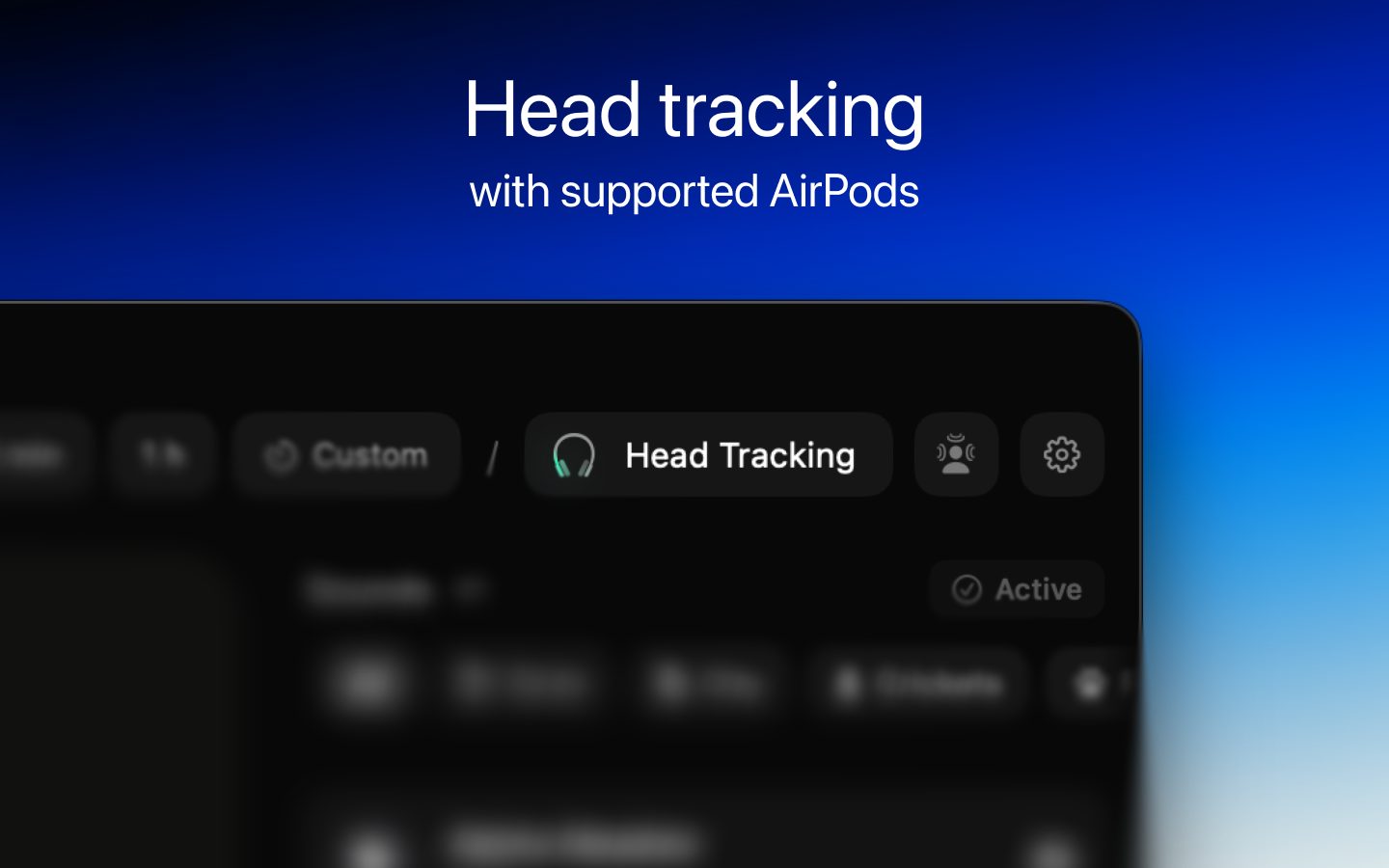
prostir zvuku turns background sound into a spatial room. Instead of playing one flat loop, it lets people arrange natural sound layers on a canvas, control them from Mac or iPhone background surfaces, set gentle fade-out timers, and optionally anchor the room with AirPods head tracking.
Long description
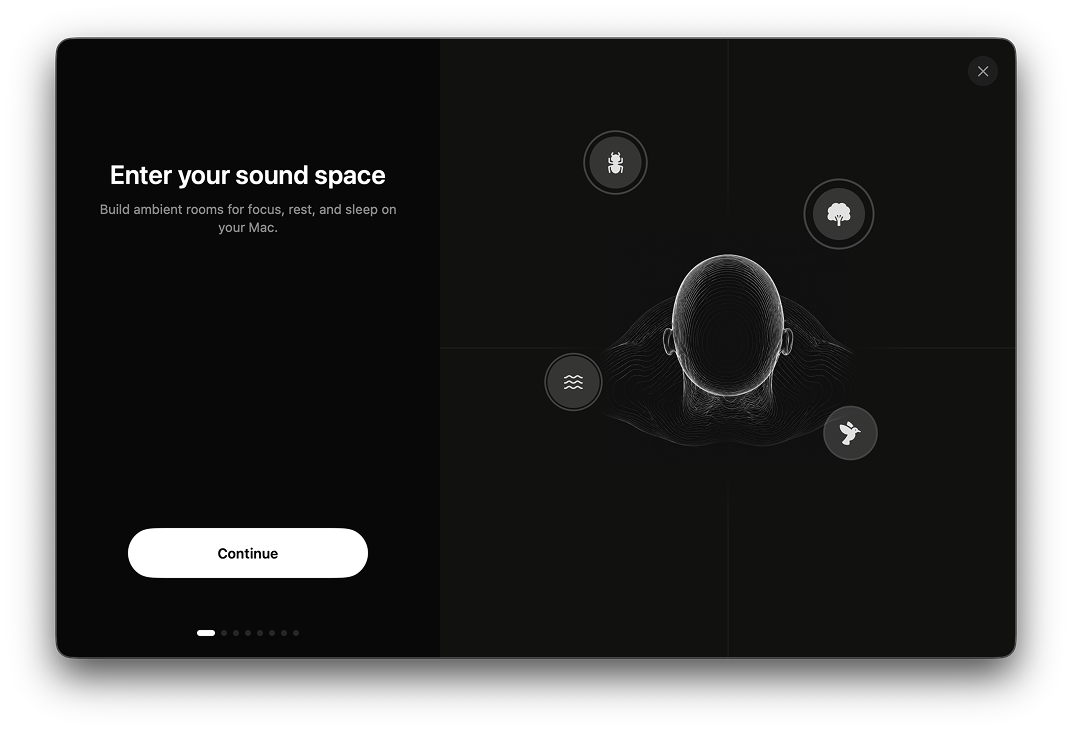
prostir zvuku is an app for building spatial nature soundscapes. Instead of playing one flat loop, it lets you place sound layers — rain, ocean, fire, wind, birds, thunder, crickets, streams, ice, farm, and city ambience — at specific points around you, like furniture in a room. The result feels less like background audio and more like a quiet place you stepped into. The name is Ukrainian for "space of sound."
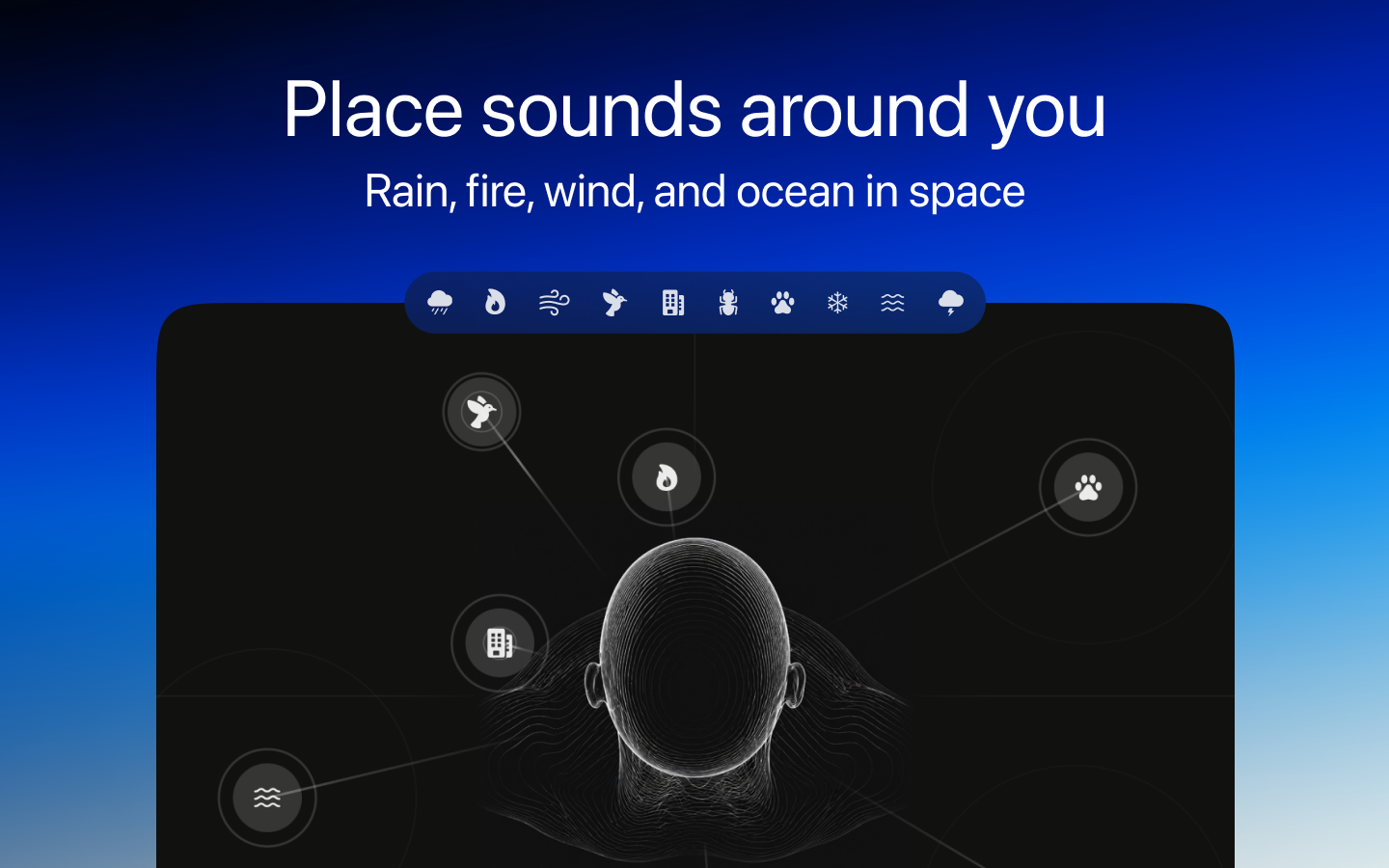
Made for focus, rest, and sleep, prostir zvuku approaches background sound the way a thoughtful room is arranged: with intention. You drag a layer onto the canvas, move it until the position feels right, and the spatial audio engine places that sound exactly there in three-dimensional space. Rain wide and soft, fire close behind you, ocean far in the distance, birds just outside the edge of attention. With supported AirPods, head tracking anchors the scene to the room — turn your head, and the sounds stay where you placed them.
The app is built on Apple's native audio stack — AVAudioEngine, the HRTFHQ binaural renderer, CoreMotion for head tracking — so spatial audio works through any output: Mac speakers, iPhone speakers, wired headphones, AirPods, third-party Bluetooth. AirPods are only required for head tracking, not for the spatial effect itself. The sound library ships inside the app: once downloaded, prostir zvuku runs fully offline for playback. No streaming, no account, no listening telemetry.
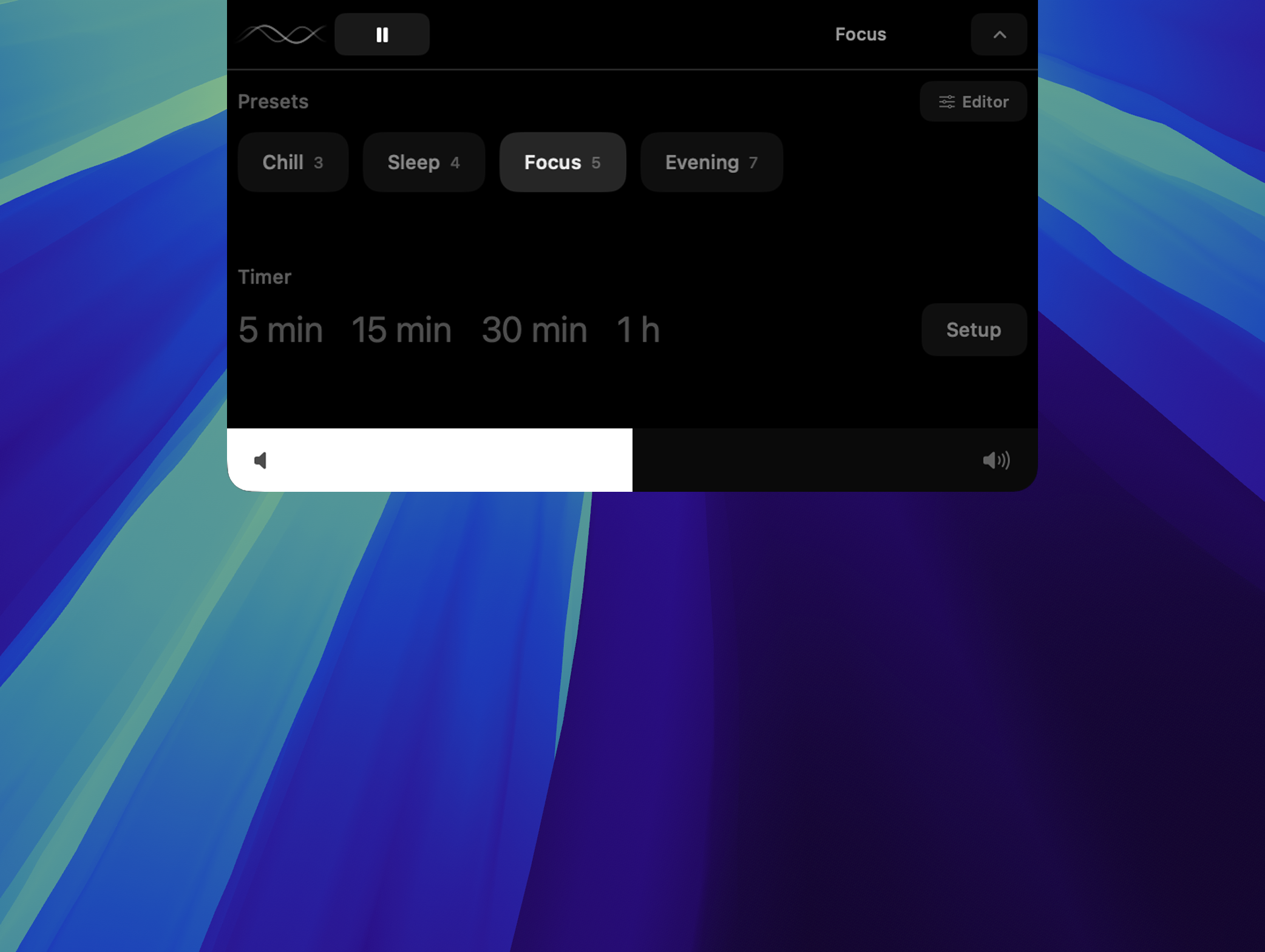
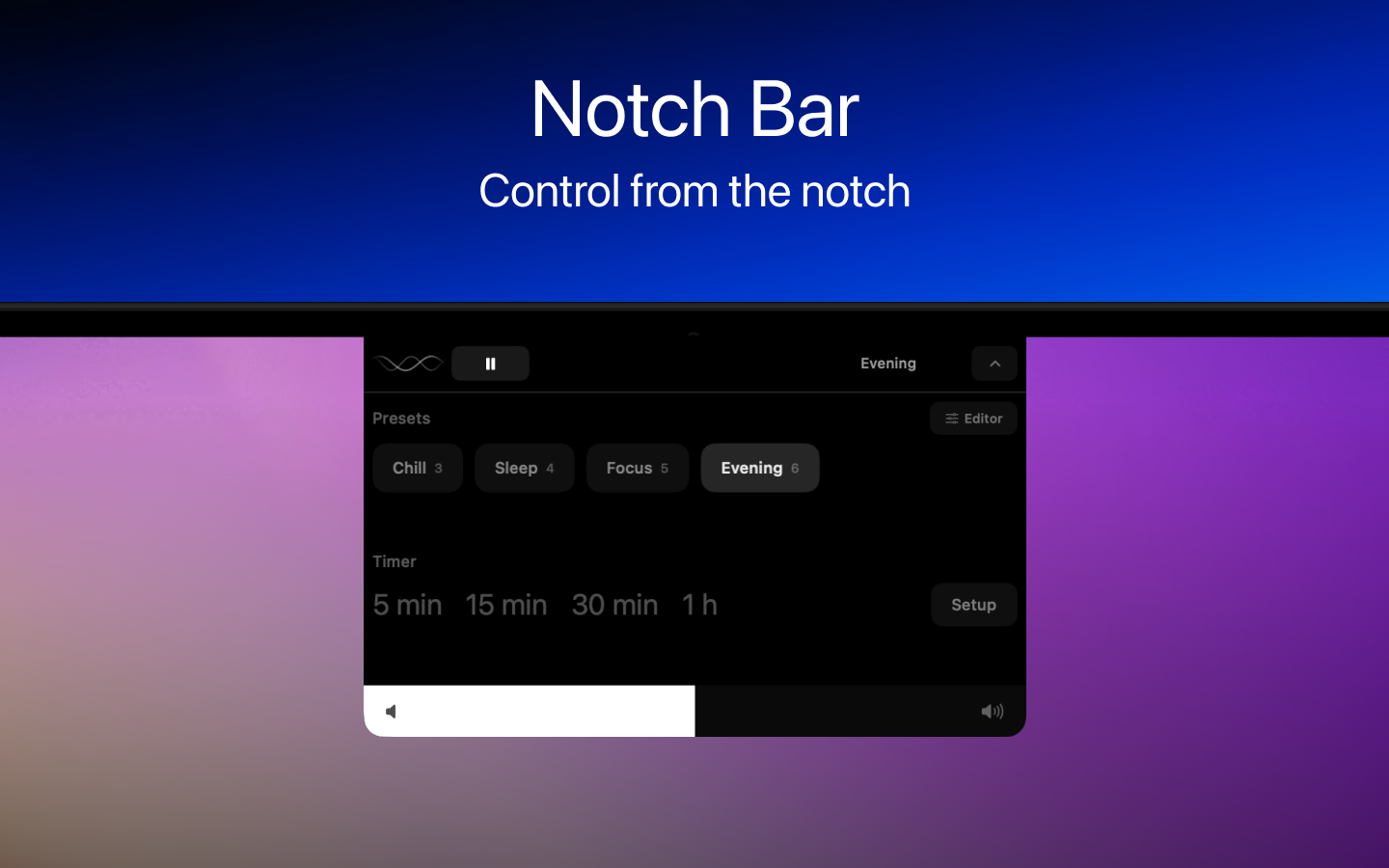
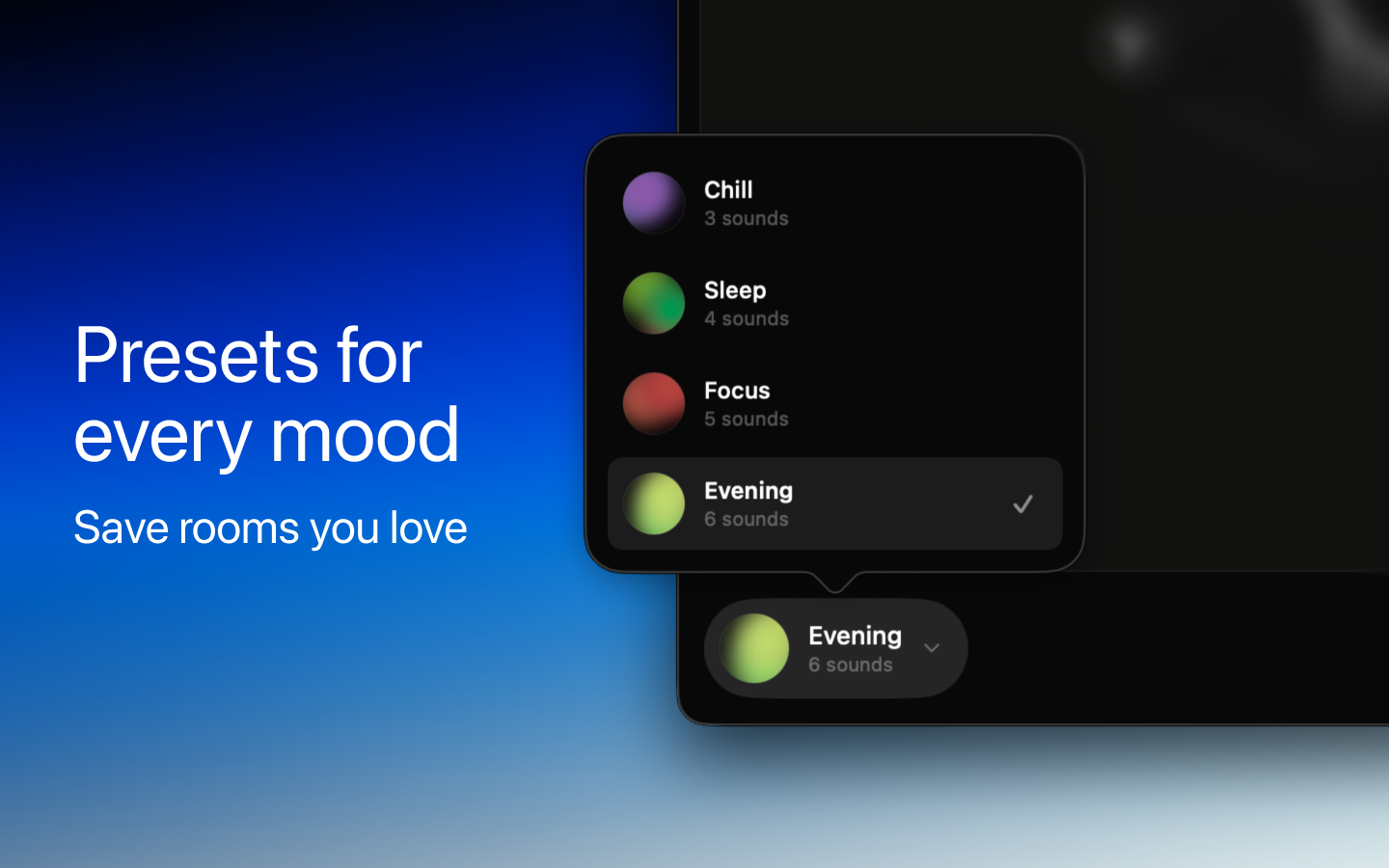
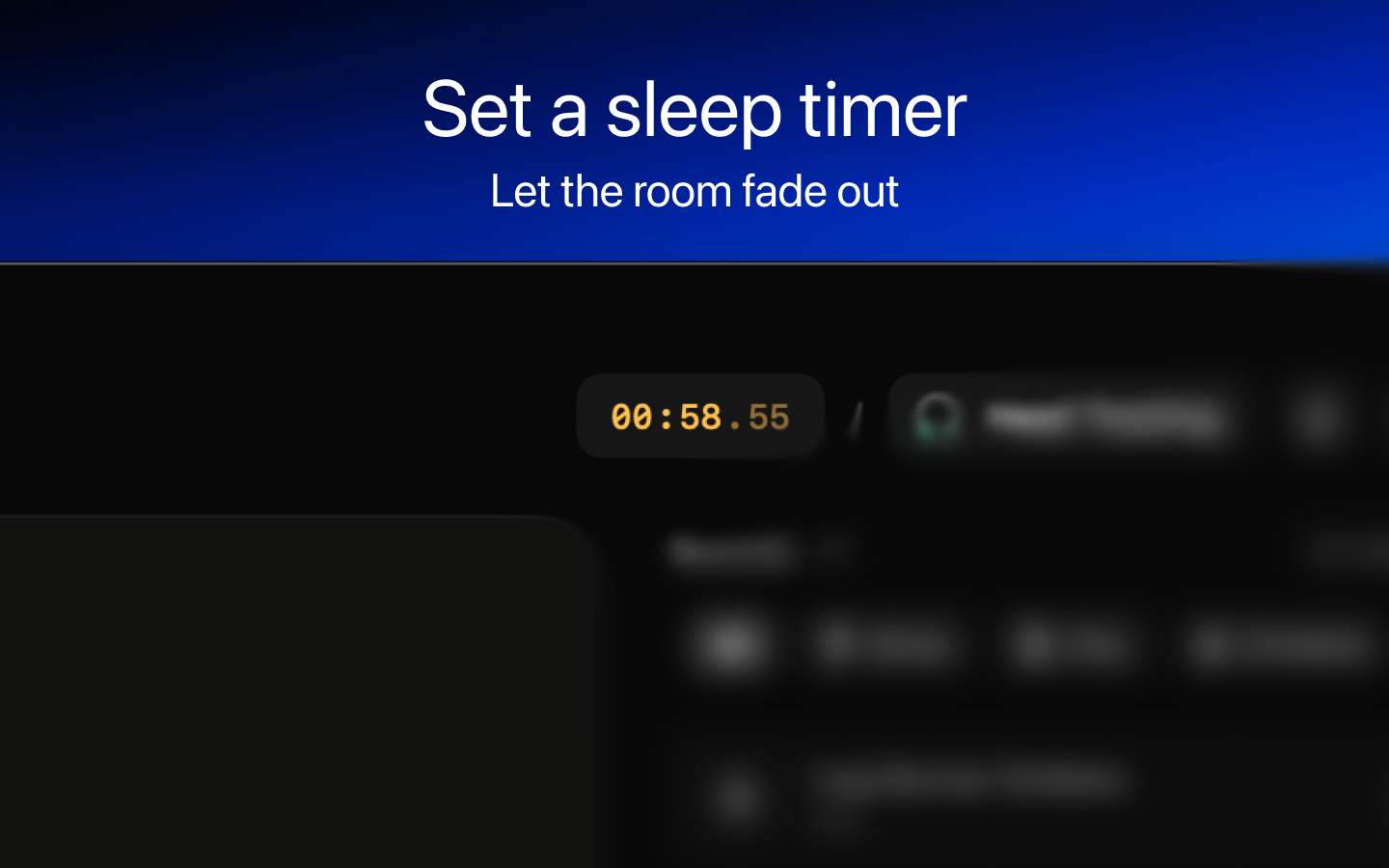
On Mac, prostir zvuku lives in your menu bar and, on MacBooks that have one, in the Notch Bar. On iPhone, the room stays close through the Lock Screen and Dynamic Island on supported models. A fade-out timer ends focus or sleep sessions gradually rather than with an abrupt stop. Saved rooms remember the layouts you return to, and iCloud sync keeps them moving between your Mac and iPhone.
The app is free to use, with one sound from each category, up to two simultaneous sound layers, and a five-minute timer. A single one-time purchase — Lifetime Pro — unlocks the full sound library, removes the layer and timer caps, unlocks saved rooms, and enables iCloud sync for rooms and the current scene. There is no subscription. Available on the App Store for macOS 14 or later and iPhone on iOS 17 or later. Built by Yevhen Holota as an indie app, made slowly and on purpose.
Key talking points
- Spatial canvas. Place nature sounds around you instead of playing a flat background loop.
- Optional AirPods head tracking. With supported AirPods, the sound field can stay anchored as you move.
- Mac and iPhone control surfaces. Pause, switch rooms, and adjust the scene from the notch, menu bar, Lock Screen, or Dynamic Island.
- iCloud sync and universal purchase. Rooms and the current scene can follow the same Apple Account between Mac and iPhone, and one unlock works across both.
- Apple-native audio. Built with Apple's native audio technologies and a curated nature sound library.
- No subscription. The free version is usable, and Lifetime Pro is a one-time upgrade.
Media assets
Files for writing about prostir zvuku. Take individual assets below, or grab the full press kit ZIP. Please keep the app name styled as prostir zvuku.
Logos








App icon
Key art
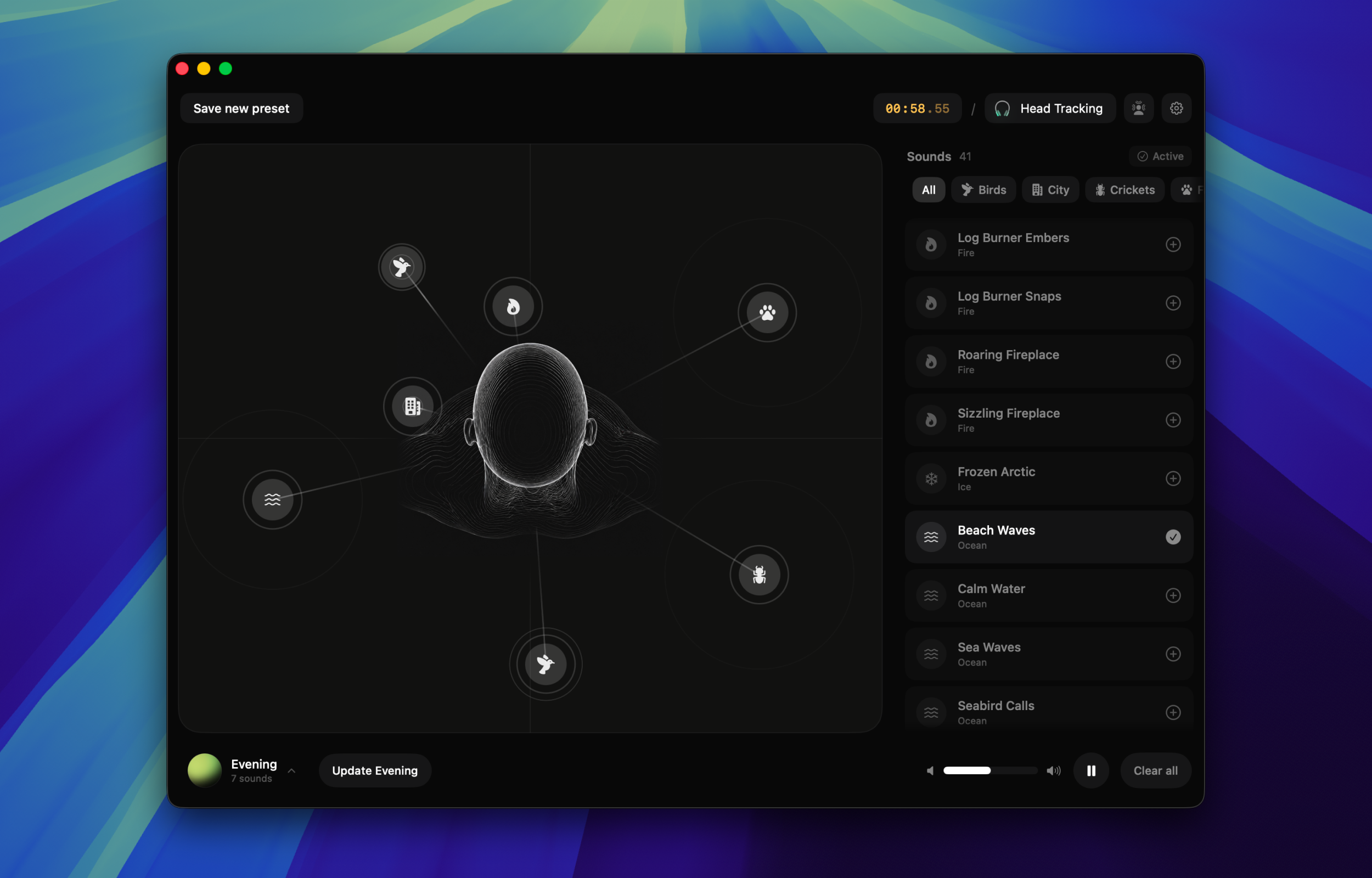
Hero image
Main product visual for launch pages and article headers. 2500×1600 PNG with transparency.
Download PNGScreenshots
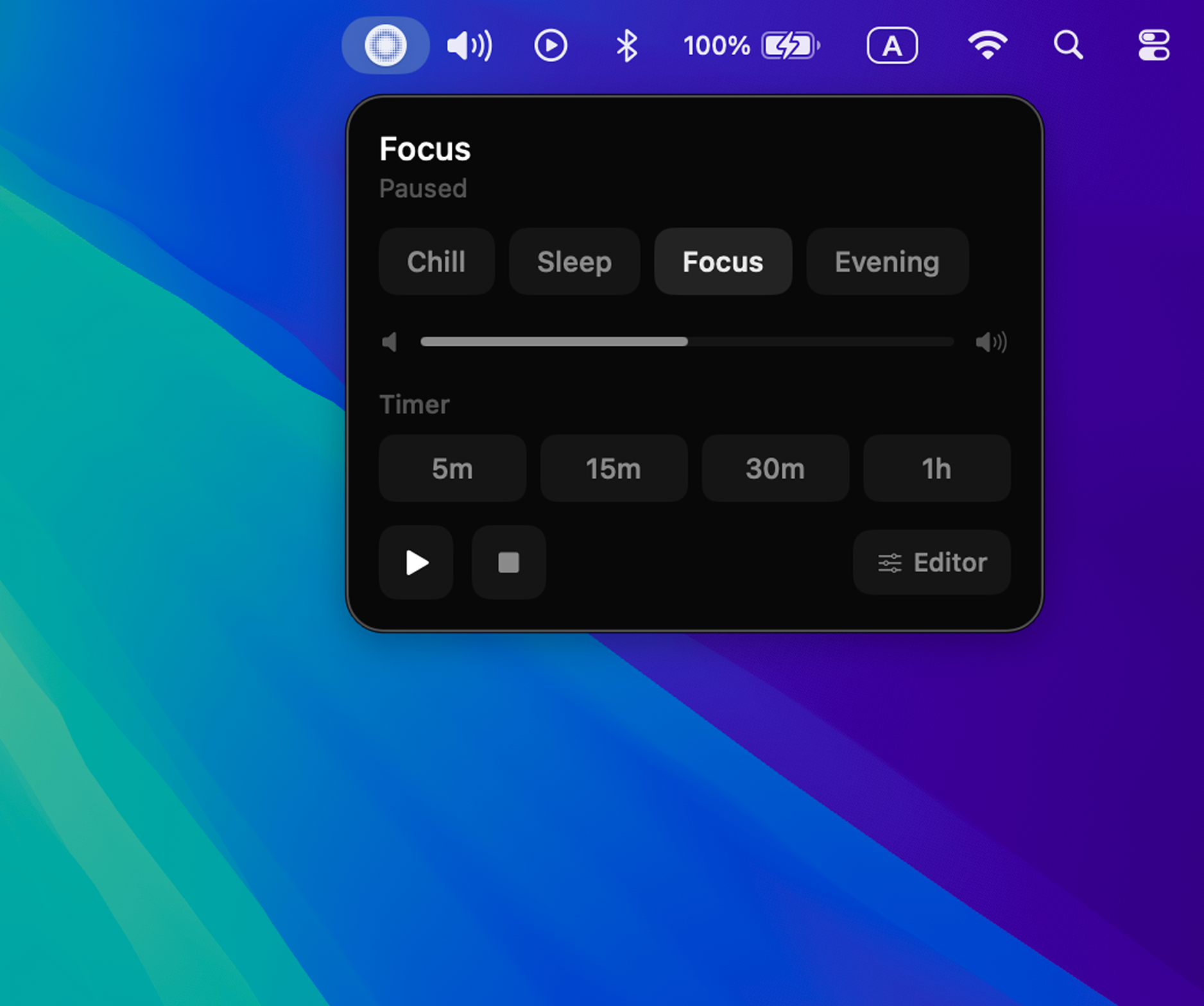
Menu bar control
Menu bar drop-down for Macs without a notch — same controls as the Notch Bar.
Download PNG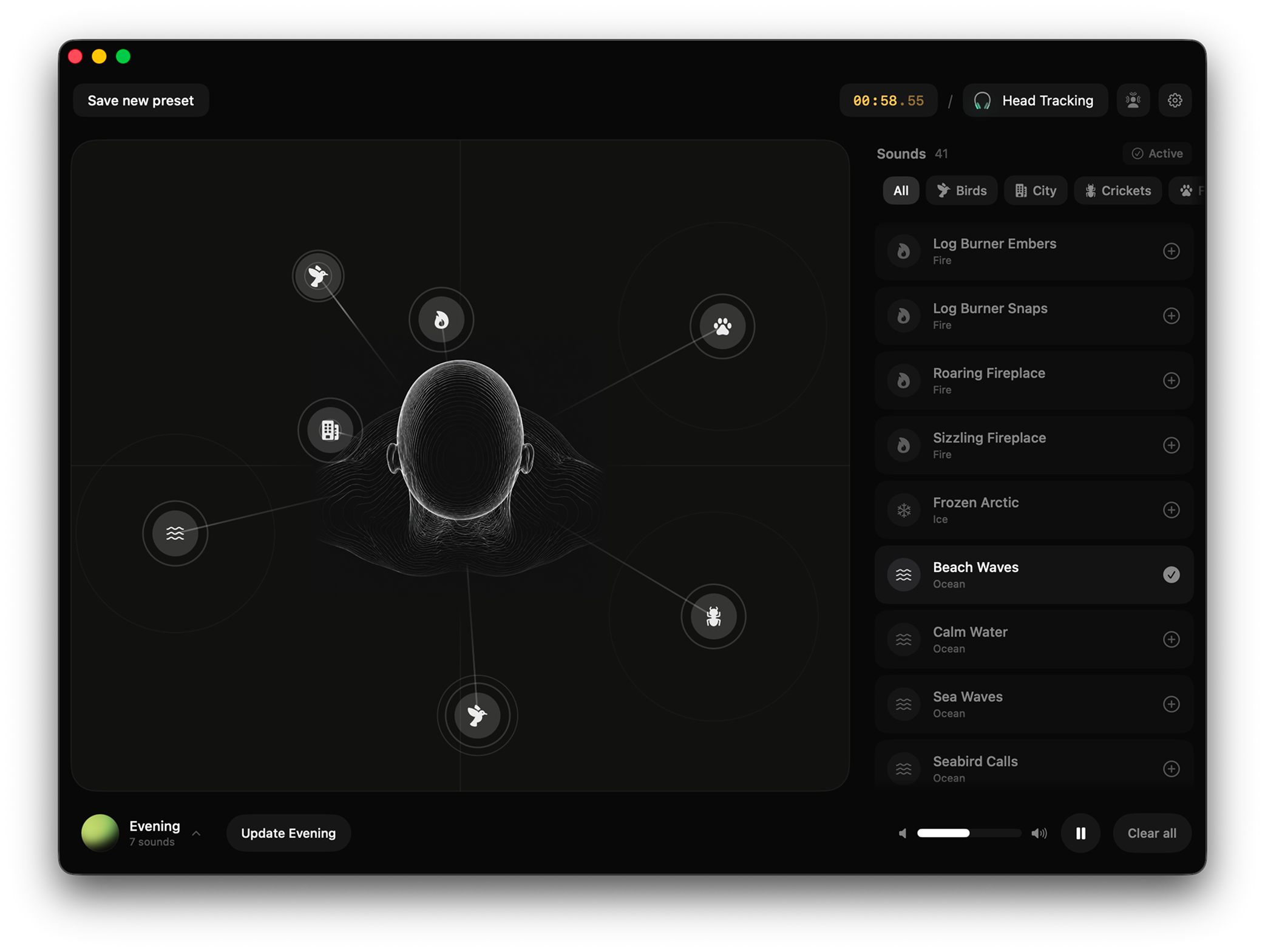
App Store screens
The images shown on the Mac App Store listing. Useful when writing about the listing itself, or as ready-made wide visuals for launch articles and social posts.
Video
Full editor demo
Walk-through of the editor with UI visible. Best for embedded video in long-form reviews.
Download MP4Founder note
prostir zvuku is built by Yevhen Holota as an indie app. The idea came from wanting background sound to feel less like a track in headphones and more like a quiet place around the desk.